
PLATFORM GUIDE
Aion 2 Client & Pre-Download Guide: Steam, PURPLE & PC Requirements
With the September 30 early access approaching, knowing the platform details and PC requirements helps you arrive ready. Aion 2 is expected to launch on Steam and NCSoft's own PURPLE platform, with pre-download likely available before the early access start date. This guide covers what we know about the client, the platforms, and how to prepare your system.
- Published
- Last verified
- Author
 PFGWebsite Author
- Reading time
- 5 min read
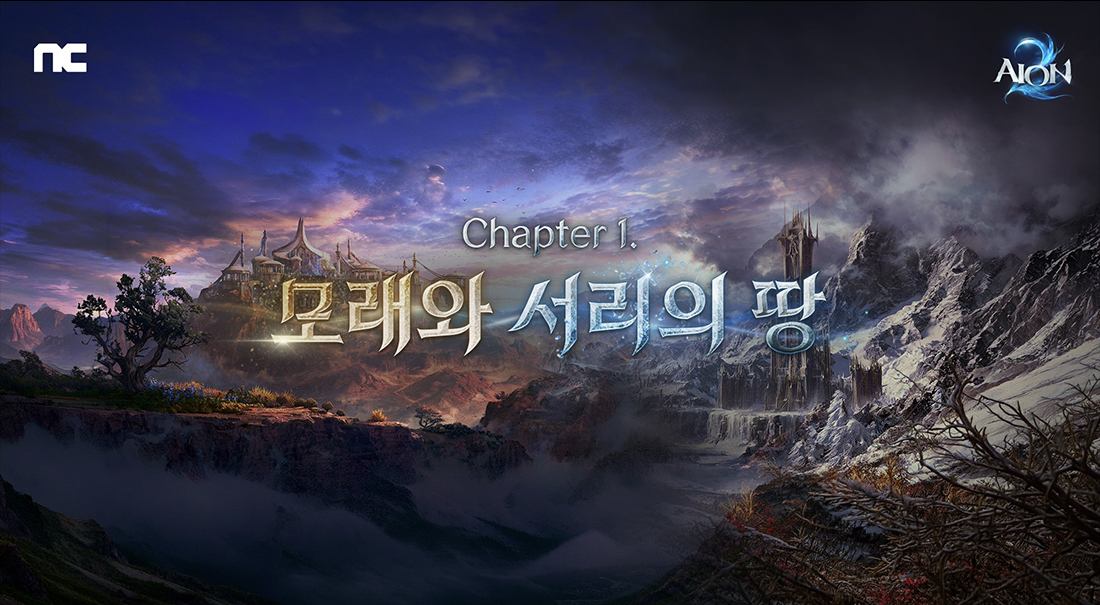
Steam vs PURPLE
Aion 2 global is expected to be available on Steam (the most popular PC gaming platform) and NCSoft's PURPLE launcher. Both platforms will offer the same game client and server access, with the main difference being the launcher overlay and community features.
Steam offers the convenience of the Steam ecosystem — friends list, achievements, and community features. PURPLE is NCSoft's own platform, used for their other global titles. The Founder's Packs are available on Steam, and it is likely that PURPLE pre-orders will also be available.
PC System Requirements
Exact PC system requirements for the global version have not been released yet. Based on the KR service and the Unreal Engine 5 foundation, expect a modern mid-range PC to be the baseline.
Typical recommendations for a UE5 MMO: a recent multi-core CPU (Intel i5 / AMD Ryzen 5 or better), 16GB of RAM, and a dedicated GPU (NVIDIA GTX 1060 / AMD RX 580 or better). An SSD is strongly recommended for loading times.
Pre-Download & Launch Prep
Pre-download is expected to be available a few days before the September 30 early access, following the standard MMO launch pattern. The client size is unknown but likely significant — expect 50-80GB based on the UE5 engine and high-resolution assets.
Prepare by updating your graphics drivers, ensuring your SSD has enough free space, and creating your Steam or PURPLE account in advance. The server region selection happens at character creation, not account creation, so you can decide on launch day.
What to Do Now
With 40 days until early access, now is the time to: (1) create or update your Steam account, (2) check your PC specs against the expected requirements, (3) decide on your server region, and (4) consider a Founder's Pack purchase if you want the 30-day Membership.
Bookmark our hub for the latest pre-download information — we will update this guide as soon as NCSoft announces the exact client details for the global launch.
DATA SOURCES
Scope and update date
Check the applicable game service, last verification date, and original sources. Confirm live values and availability in game.
- Last verified
Based on the global release information on AION2Hub, the developer stream platform mentions, and the official KR service structure.